Nail Salon • Best Practice
How to Choose the Best Nail Salon POS System for Your Business

It’s 6 p.m. and three clients hover around the front desk. One is looking to grab a new cuticle oil, another needs to split their tip between two nail technicians, and a walk-in wants to book a gel manicure.
It’s the kind of rush that lets you know whether your point-of-sale (POS) system makes modern salon management easier or complicates the moment. The best nail salon POS systems keep payments, tips, and retail sales integrated with the rest of your daily operations.
This guide explores how to find a POS system for a nail salon with practical and beneficial features. We’ll also help estimate costs and provide tips to find the right platform for your business.
What’s a Nail Salon POS System?
A nail salon point-of-sale system combines payment hardware with salon management software to handle the financial payments of each visit. Unlike a basic retail terminal, a nail POS system connects each transaction to a specific salon service, appointment, and nail technician.
When a client purchases an exfoliating hand lotion, for example, the POS system updates your inventory records and logs the sale in the client’s profile. This tracking gives nail salons a more complete record of each appointment and detailed information for reporting, inventory decisions, and future services.
Software built for the nail salon experience
Nail salons thrive on speed and consistency. Boulevard’s nail salon software streamlines booking, checkout, and client history, so every visit runs smoothly, from walk-in to loyal regular.
Nail Salon POS Features That Make a Difference
It’s easy to spot a POS system made for retail rather than appointment-based beauty and wellness businesses. Here are a few POS features to look for that meet the unique challenges of nail salon management:
Walk-in queues: Nail salon calendars balance scheduled appointments with walk-ins who come through the door looking for an available nail technician. Seek out POS software that connects to broader management tools. An effective system shows real-time staff availability, maintains a waitlist, and makes it easy to work a walk-in into the day without throwing off booked appointments.
Tip management: Digital tip prompts let clients conveniently add gratuity at checkout, and often encourage stronger tips. For multi-location salons, centralized tip reporting makes it much easier to compare tipping by spa or technician and keep payouts accurate across the business.
Staff management: Every appointment should tie to the nail technician performing it, especially when pay, tips, and commissions vary by service. That gives your accounting software a straightforward record for payroll and can help managers analyze performance or improve staff scheduling.
Integrated checkout: Checkout and payment processing should connect directly with your salon’s booking and client management tools instead of staying in a separate system. That way, each completed sale updates records and keeps information from each visit useful long after checkout.
Memberships and packages: If a client purchases a manicure package or monthly loyalty rewards program membership, your POS software should automatically recognize those benefits at checkout and keep track of their status or progress.
Cards on file: Saved payment methods make checkouts much quicker and give salons a practical way to charge for deposits or cancellations.
Retail management: Products sold at the desk and supplies for services both impact your bottom line. Helpful POS systems support inventory tracking when clients buy a lotion or acrylic polish while monitoring for low stock, analyzing retail sales reports, and strategizing future retail menus.
Rebooking prompts: The end of checkout is one of the easiest moments to get the next appointment on the calendar. An integrated system can use the client’s details and preferred technician to make rebooking simple before they leave.
Nail Salon POS System Cost
If you’re shopping around, you’ll notice free POS systems and others that cost several hundred dollars per month. Why such significant price discrepancies?
Free POS systems often come with no subscription cost, but other expenses to account for. Square Appointments has a $0 plan, for example, but payment processing fees cost 2.6–3.3% plus $0.15–$0.30 per transaction, depending on how the client pays.
Some POS solutions charge more for advanced scheduling or staff management tools. Vagaro begins at $30 per month per service provider, but payment processing fees and extras features add up. Multi-location support and other common add-ons, like an online shopping cart, check-in app, or payroll support, cost more.
Examine the costs of all the software, hardware, and any extras you need before choosing a POS system based on subscription cost alone, with consideration for what happens if those tools don’t connect to one another. Slow, disconnected workflows and missed rebooking opportunities can make a less expensive POS software cost more to use in lost time and revenue.
Boulevard’s Essentials plan begins at $143 per month, but that covers much more than a standalone POS software. Payment processing is one part of a broader salon management system with features you’d otherwise have to add on to a disconnected POS platform.
How to Choose the Best POS System for a Nail Salon
Once you narrow your options down to a few POS software solutions, explore how each could alleviate your front desk’s most significant pain points.
If walk-ins make up a meaningful share of your clientele, prioritize POS systems with walk-in queues that communicate with stylists’ live schedules. If you have a large team, look at how cleanly systems attribute services, tips, and sales to each nail tech. Multi-location salons should pay close attention to how analytics surface performance stats, as managers shouldn’t need to export several spreadsheets and combine data manually.
If you can take a test drive or try a demo, run a real appointment through the system. Try checking a client in, adding a retail purchase, and rebooking their next appointment. If you have to enter the same details more than once or reconcile information, the workload is likely more complicated than it needs to be.
How Boulevard's POS Supports Your Nail Salon
Boulevard’s salon and spa POS system brings appointments, client management, and payment processing into one central platform, giving your staff a smoother operational flow.
Boulevard Payments™ features manage client visits from arrival to payment. Clients can check themselves in through the Boulevard Duo iPad app, while cards on file and integrated payments support faster transactions at checkout. Transactions stay connected to appointments, updating sales figures without staff having to match records. Managers get a more complete view of salon financial operations with reporting that supports scaling your business into the future.
Test Boulevard’s POS features against your nail salon’s daily workflows by requesting a demo today.
FAQ
Can a Nail Salon POS System Manage Staff Schedules and Commissions?
Some can, but it depends on whether the POS system is a standalone payment tool or part of a broad salon software platform. An integrated system can connect appointment schedules, checkout, and service sales, making scheduling and commission tracking much easier to manage. That distinction is worth considering before you buy. Generic POS systems may process the sale perfectly well, but work outside the rest of your management system.
How Does a Spa POS System Differ From a Nail Salon POS System?
The biggest difference between spa and nail salon POS systems is the workflow that surrounds each service. Nail salons often take more walk-ins for shorter appointments, while spas handle longer treatments and more complex resource management. The right POS software for your business matches your typical operating rhythm.
What Payment Methods Should a Nail Salon POS System Support?
Clients should be able to pay with credit and debit cards, digital wallets, and saved cards on file. It’s also useful to support gift cards and automated reconciliation of membership and package rewards.
How Does a Nail Salon POS System Handle Booked Appointments and Walk-Ins?
To balance booked appointments and walk-in clients, your POS system must support integration with broader client management and scheduling platforms. Standalone POS software can’t differentiate between appointment types or maintain a walk-in waitlist queue.

Shanalie Wijesinghe
Content Strategy Director
Shanalie Wijesinghe is the Content Strategy Director at Boulevard. She lends her industry and platform expertise to both in-house staff and partner salons and spas. A salon industry veteran with more than 15 years of experience working for high-end luxury salons such as Sally Hershberger and BENJAMIN, Shanalie was previously Director of Education for Boulevard and blends her knowledge of the beauty and technology industries to help put the company’s partners and employees on the path to success. A Bay Area native and first-generation immigrant, Shanalie is a graduate of the Paul Mitchell School specializing in cosmetology, styling, and nail instruction.
Related Posts

Driving Racial Equity in Aesthetic Medicine This Black History Month and Always
The DREAM Initiative is taking on racist beauty standards in aesthetic medicine. Here’s what you need to know.
Read Article
Hair Stylist Job Description: Template, Duties, and Skills
Boulevard's hair stylist job description guide and template covers everything salon owners need to include in a post to attract top talent.
Read Article
Take Your Best Shot: How to Nail Before-and-After Photos
Before-and-after shots are your salon or spa business’s best chance at winning the trust of new customers. Here’s how to perfect them.
Read Article
Make a Difference and a Profit — Get Inspired by These Brands That Give Back
Discover how some beauty brands go beyond self-care and surface aesthetics to make the world a genuinely better place.
Read Article
How to Find the Right Medspa Equipment for Your New Business
Learn about the medspa equipment you need to get your business started. Knowing how to start your acquisition list makes the whole process easier.
Read Article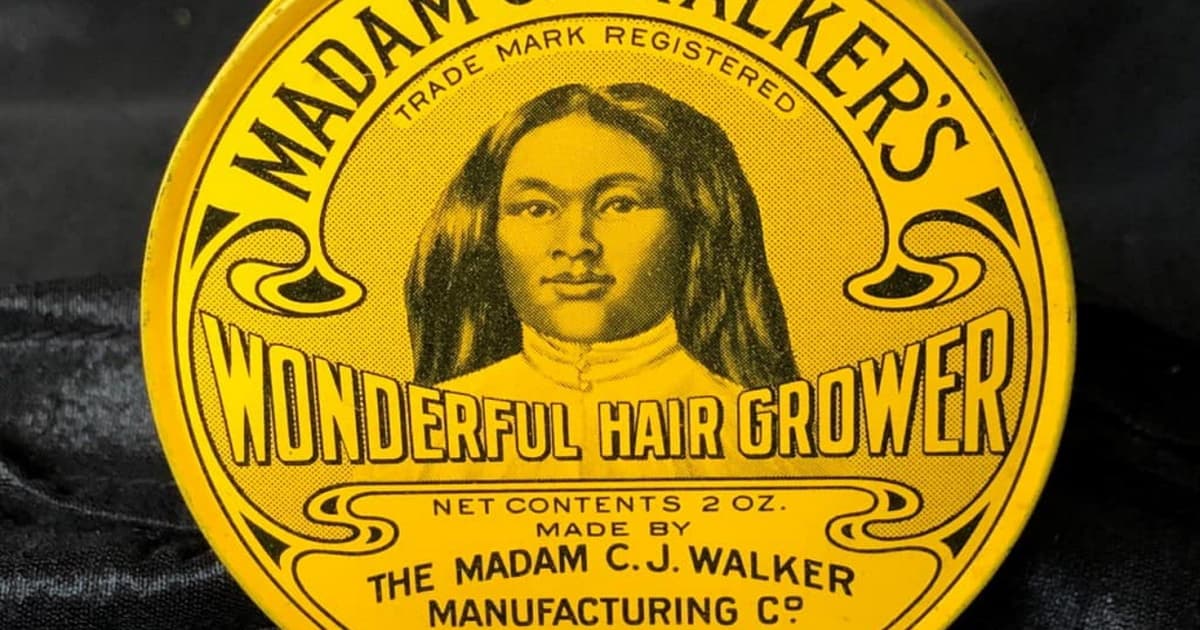
Get Inspired by “Self Made,” a Dramatization of the Life of Madam C.J. Walker
Madam C.J. Walker’s journey to successful entrepreneur, beauty brand owner, and self-made millionaire makes her an inspiration for the ages.
Read Article
4 Top Associations and Communities for Women in Beauty
Whether you have a single chair or an entire enterprise, it’s smart to belong to a salon association.
Read Article
Cosmetology License Requirements by State (Stylists: Bookmark This!)
Learn what your state requires to become a licensed cosmetologist, barber, nail technician, esthetician, instructor, and more.
Read Article
5 Hair Salon Promotions That Bring In Clients
With the right hair salon promotions, you can engage existing clients and attract new regulars throughout the year.
Read ArticleSign up for weekly blog updates.