
Modern salons need point-of-sale (POS) systems that handle it all. The right system can seriously up your game by improving client interactions and boosting revenue. The best salon POS system does more than process payments. Modern salon POS software helps businesses manage appointments, client profiles, inventory, reporting, and retail sales from one platform When it’s easy to buy the products as they check out and book appointments from home, clients are more likely to rebook again and again.
In this guide, we’ll give you the inside scoop on POS software, like what it can actually do for your salon and which are the best POS systems for salons in 2026.
What Is a Salon POS System?
Salon POS systems are central hubs for the front desk. These software-forward systems support the client experience as much as the salon’s checkout process. They combine software with hardware like iPads and card readers so your clients can easily pay for their visit (and any retail products they’re picking up). A salon POS system is purpose-built for beauty businesses and helps manage payments, appointments, inventory, and client relationships from a single platform.
A POS system handles most of your salon’s financial tasks in one place, processing payments, calculating tips and loyalty discounts, and managing retail and reporting programs. Some even make it easy to integrate with other software that tracks staff hours and performance, leading to less manual work on your end.
Software built for the salon experience
Busy salons need more than an appointment book — they need a system that keeps stylists booked, clients coming back, and retail moving. Boulevard’s salon software combines online booking, POS, and marketing tools built for the pace of salon life.
Features To Look for in a Salon POS System
Shopping for salon POS software gets a lot easier when you know what to look for. Every self-care business is unique, but here are a few features that most teams need. When comparing salon POS software, prioritize tools that improve both client experiences and day-to-day operations.
Fast and flexible checkout: POS software should make paying fast and convenient for everyone, offering things like mobile payment options and easy-to-follow on-screen prompts.
Integrated payments and tipping: Your POS system should support multiple payment options, like mobile wallets and cards on file, so no one has to dig through their wallet for the one method you accept. Look for software that automatically calculates tips at set percentages (like 15%, 20%, and 25%) and applies loyalty rewards and discount codes, too.
Reporting and sales insights: Good salon POS software doesn’t stop working for you once the client has paid. It’ll also include high-level details like retail trends and retention data. These insights can help you adjust your strategies (such as scheduling a full-team workshop to perfect the latest TikTok hairstyle trend) and stay on top of your revenue flow before rent’s due.
Client profiles and purchase history: Choose tools that let you personalize the salon experience. Client profiles store information like their birthdays for special discounts and notes from their past sessions to help your stylists provide better service from moment one.
Retail and inventory management: Keep track of backbar inventory and retail products directly in your POS system. Your software should send an alert when you’re running low and automate order purchasing so you never have to run out of a dye color mid-service.
How To Choose the Best Salon POS System
Before you start researching and selecting a POS system, you need a game plan. There are lots of software solutions for spas out there, so knowing what you need ahead of time can side-step information overload.
These tips will help you stay organized and focus on your salon’s long-term goals. The right POS system for a beauty salon should support your current workflows while giving you room to grow.
Define Your Salon’s POS Needs
Choosing software starts with taking stock of your needs, so assess your current POS processes. What does the checkout process look like? Where does it slow down? Are there features that overlap with your other software solutions or things you’d like to collapse into one program?
Make a list of your wants and needs, then reference it during your search to narrow down your options.
Evaluate Ease of Use for Your Staff
Your chosen POS software should make your employees’ lives easier. Ideally, they’ll be able to pick it up in their first few days without tons of hands-on training.
Part of this onboarding process includes the software company’s customer service, too. A program with a strong team behind it will help you set everything up and get questions answered along the way.
Check How the POS Connects To Booking and Scheduling
The best POS tools integrate with scheduling systems you already use. Appointment reminders, automated calendar syncing, and easy rebooking options can reduce no-shows and double-booking. This way, your front desk team can schedule clients for a touch-up or a fresh cut in six weeks while they’re still standing at the counter, so they’re more likely to keep coming back.
Compare Pricing and Total Cost
Price is always important to consider, especially if you're just getting established or planning your next location. But comparing upfront costs is only the first step. You also need to compare how different software options impact your long-term overhead.
Some systems may seem affordable at first, but consider how they’ll impact your overhead over time. Study the fine print: Are there high processing fees? Are their long-term contracts undercut by unreasonable cancellation penalties? POS systems that don’t integrate well with other software means paying for more subscriptions every month, too.
Plan for Growth and Scalability
You shouldn't have to adjust your business goals around your software or do a massive overhaul every time you outgrow your current system, no matter how big your salon gets. So make sure your beauty salon’s POS has the flexibility to scale with your growing salon.
It should be able to manage more locations and team members without glitching, process more complex loyalty and membership programs, and have the wiggle room to add new workflows as tech evolves.
5 Best Salon POS Systems
Every POS system has its strengths, but not all of them are going to be the right fit for your needs. The best salon POS systems vary based on your budget, team size, and operational needs. We’ve gathered details on five of the best POS systems for salons so you can cut the noise and find software that works for you.
1. Boulevard
Boulevard is an all-in-one platform designed for premium salon management and client experiences. It is one of the best salon POS software solutions for growing salons that want scheduling, payments, reporting, and client management in one place. It’s an ideal choice for established and growing salons looking to streamline every workflow while maximizing their income. It integrates with over a dozen other common apps and web services while bringing everything else in-house.
Some of Boulevard’s best features include:
Flexible payment methods
Role-based permissions and staff management
Organized client profiles and inventory tracking
Multi-location management and reporting tools
Cross-device compatibility
Precise scheduling and self-booking portals
Integrated loyalty programs and marketing campaigns
Pricing starts at $158/month/location for salons paying annually.
2. Vagaro
Vagaro is a POS platform that’s generally used by independent stylists and small salons that also offer fitness and wellness classes. It includes a website builder and a marketplace where users can find salons in their area.
Its notable features include:
Hybrid salon and fitness POS management
Online booking and scheduling
Client discovery marketplace
Calendar synchronization
Vagaro-branded hardware that’s automatically compatible with their software
For one stylist at one location, Vagaro starts at $23.99/month. Pricing scales with the number of stylists—with seven or more, you’ll pay $83.99/month. However, if you run more than one location, you’ll need to reach out to their support team for more information about their enterprise pricing. Vagaro also offers a 30-day free trial.
3. Mangomint
Mangomint’s POS system is known for its simple interface, designed for independent salons and boutique spas looking for software without any frills. It’s mainly a POS software, but offers some lightweight marketing tools, booking portals, and client data storage options.
Here are some of Mangomint’s main features:
Self-checkout and tip prompts
Scheduling and staff management
Virtual waiting rooms
Two-way text-based client communication
Remote payments
Pricing starts at $175/month for small teams and includes a free trial.
4. Fresha
Fresha is a low-price POS software with a focus on flexible scheduling and data privacy. It’s a budget-conscious option known for its app-based marketplace, similar to Vagaro. Fresha includes room for extensive client notes, making it a better option for medspas and boutiques that offer medically focused or detail-oriented services than traditional salons.
This POS system’s core functions include:
HIPAA compliance to protect client data
Centralized client app
Automated appointment reminders
Up-front payment options
Global currency support
Pricing starts at $19.95/month for a single provider, or $14.95/stylist/month for teams, with a seven-day free trial. If your salon has over 20 team members, you’ll need to reach out to Fresha’s support team for enterprise pricing details.
5. Square
Square is a general business platform used by businesses of all kinds. Its salon-specific POS software includes marketing campaigns, scheduling apps, and multiple payment options, with a focus on the client experience. Since it’s a widespread software solution, clients are likely to be familiar with Square—but there are fewer UI customizations you can use to personalize the look to match your brand identity.
Some of the major features of this POS system include:
No-fee tier for solo stylists
Enterprise-level scaling capabilities
Color-coded staff scheduling and commission tracking
Inventory management
Square offers a free plan for single salons, with only a few basic features. Richer experiences start at $49/month/location.
Why Boulevard Is the Best Salon POS System
The right POS system can reshape your salon’s client experience. With faster checkout, accurate tipping, and easy rebooking, your salon can keep the relaxing vibes going after clients walk out the door.
Modern salons need modern software to stay on top of their schedules and keep their clients happy. Boulevard is an all-in-one platform that simplifies checkouts for self-care businesses of all sizes and supports you as you grow.
Whether you’re looking at client profile management or financial reporting, bring everything together with our advanced software solution. Check out Boulevard's Salon Software to learn more. You can also browse everything included in your Boulevard subscription.
FAQ
Does a salon POS system need to integrate with scheduling software?
A POS system can stand on its own, but it can improve daily workflows when it’s integrated with scheduling tools. Adding appointment booking and calendars to your POS system can boost your client retention because it’s easier for front desk staff to book a client’s next appointment in the moment.
Can a salon POS system track tips and commissions?
Yes, and they should! Strong POS software can automatically calculate tips and offer set percentages that make it easier for clients to pick an appropriate amount. It can also track commissions for a more accurate picture of your finances.
When should a salon consider upgrading its POS system?
It might be time to upgrade if there are lines forming at your front desk due to error messages and lag, or if it isn’t compatible with the latest hardware and payment methods. Feeling like it’s time to update your other hardware and software systems is also an indicator that it’s time to look into a new POS system—or an all-in-one choice like Boulevard.
What is the best salon POS system?
Boulevard, Vagaro, Mangomint, Fresha, and Square are among the best salon POS systems available today. The right option depends on your salon's size, goals, and operational needs.

Skya Jones
Sr. Medspa Education Manger
Skya Jones is an industry expert and consultant who serves as one of the in-house medspa experts at Boulevard. In this role, she collaborates closely with Boulevard’s team and their customers to help deliver exceptional, memorable client experiences. With nearly a decade of experience in the medical spa industry, Skya is deeply passionate about leadership and education, and is dedicated to empowering businesses to thrive. Prior to joining Boulevard, she successfully managed and provided consulting services to a range of medical spas and retail beauty businesses.
Related Posts
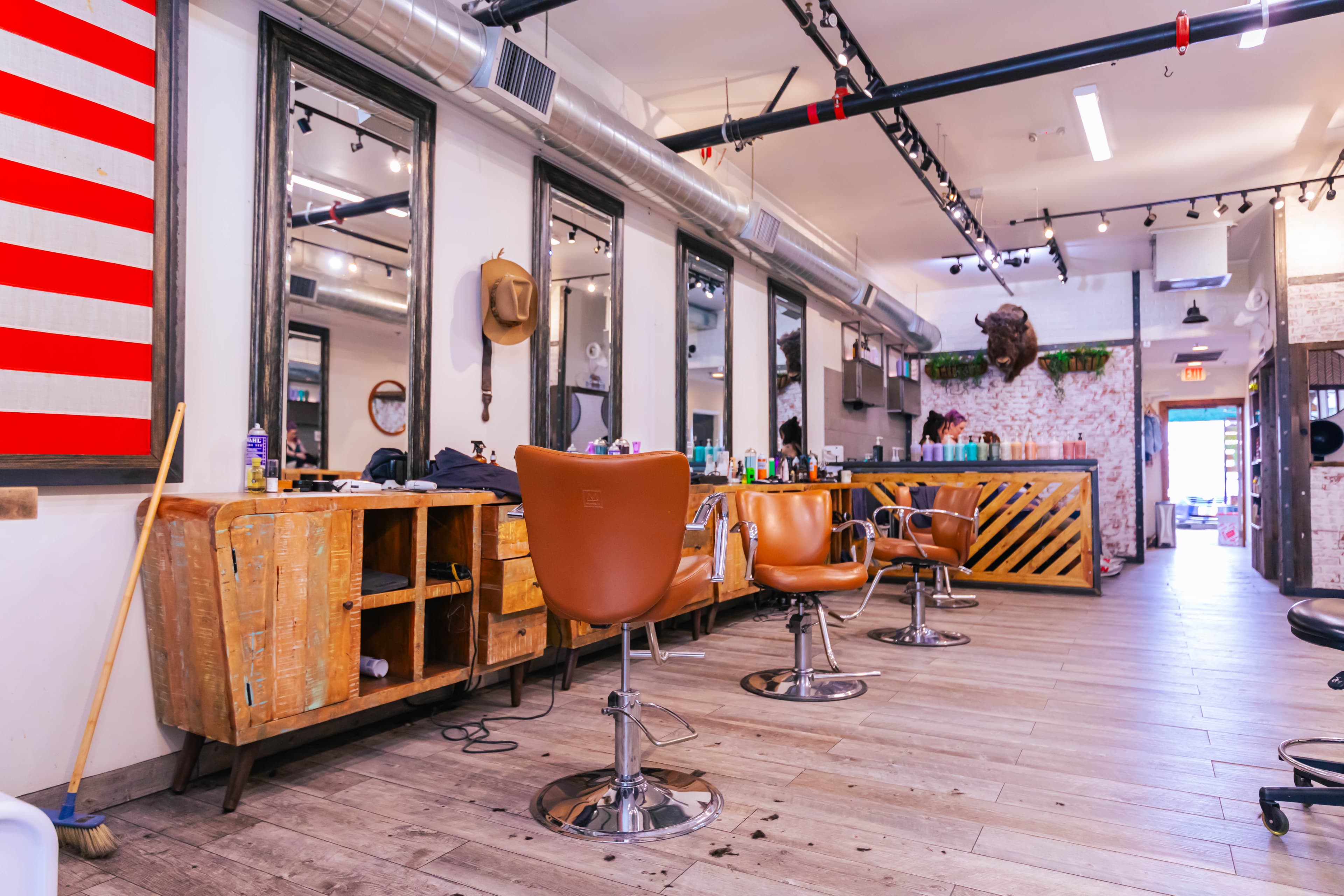
Best POS System for Barbershops: 5 Top Picks for 2026
Boulevard breaks down the best POS systems for barbershops, covering checkout, tip, hardware, and payment practices for walk-in and multi-chair shops.
Read Article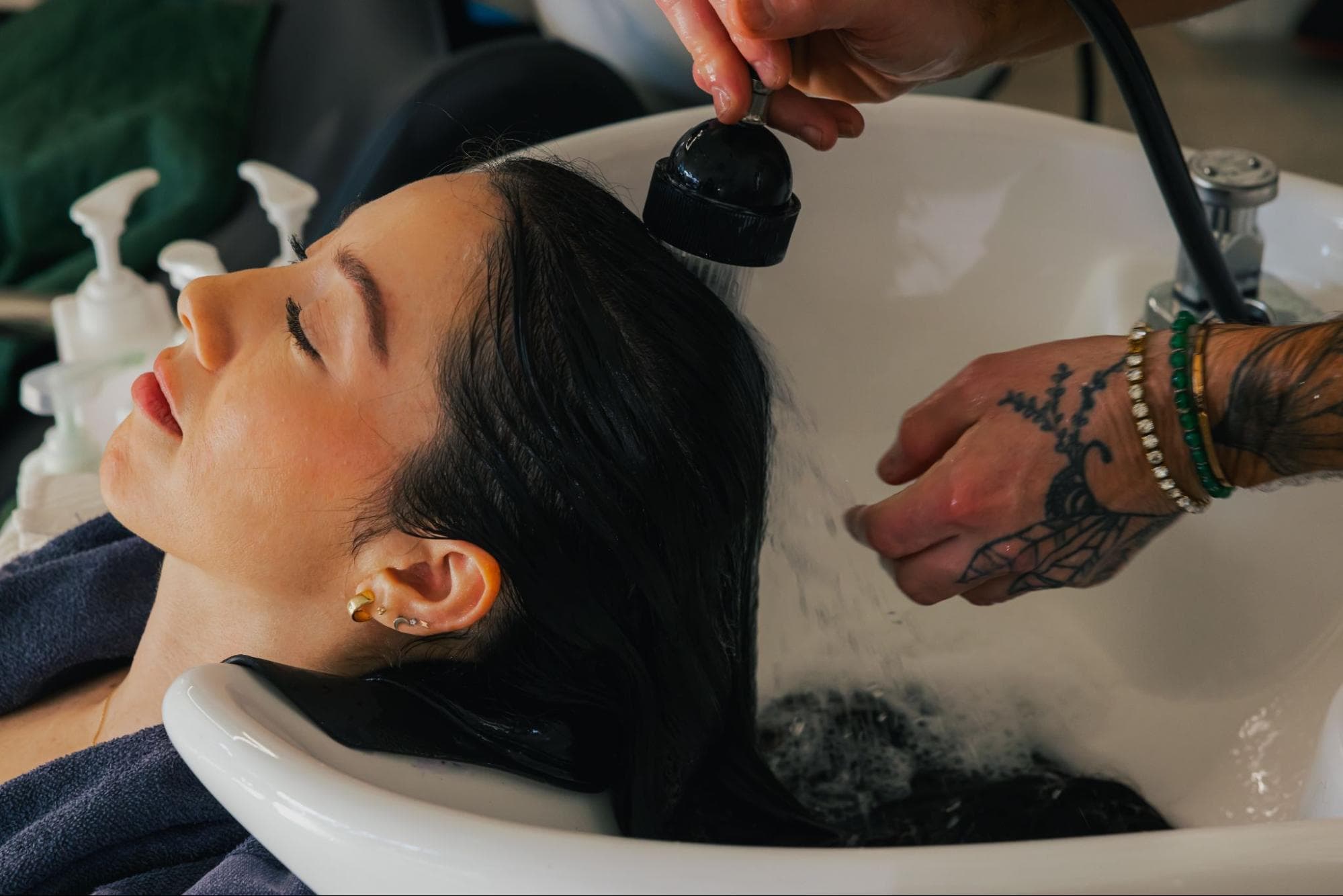
What to Look For in the Best POS System for Hair Salons
Boulevard breaks down what the best POS system for a hair salon has to cover, from payments and checkout to scheduling and client management.
Read Article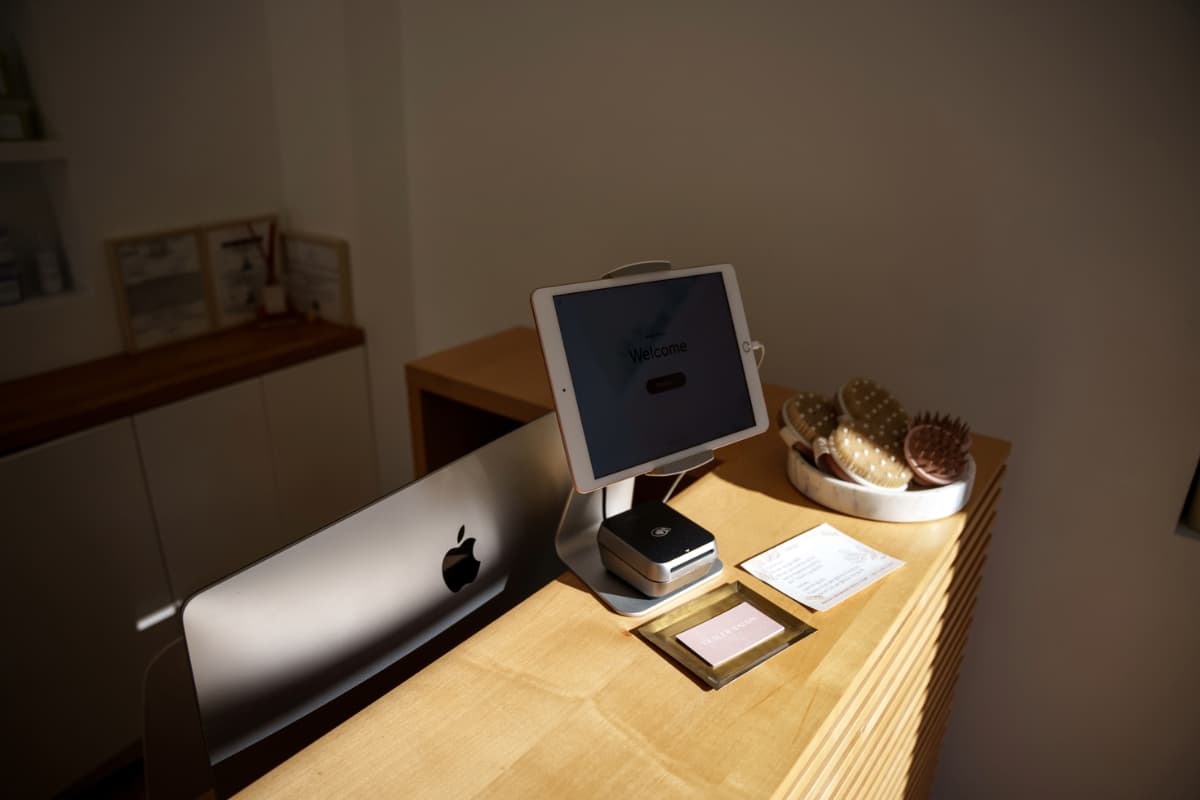
6 Must-Have Features of a Barbershop POS System
The right barbershop POS should make your life easier. Here are the features to prioritize when you’re opening a shop or ready for an upgrade.
Read Article
POS System Features Every Spa Needs and How to Choose the Right One
Learn the POS system features spas need—from payments and inventory to mobile POS and hardware—and how to pick the best system for your business.
Read Article
Choosing Massage POS Software: A Guide for Savvy Wellness Businesses
These massage POS software features can simplify and optimize your tech stack with excellent industry-specific capabilities
Read Article
Best Salon Booking Apps: Top Picks for Scheduling & Management
Learn top tips for choosing a salon appointment app, see what features and benefits to look for, and compare four popular tools to find the perfect fit.
Read Article
What to Look For in Modern Salon Scheduling Software
Looking for modern salon scheduling software? Discover the must-have features—self-booking, integrated client profiles, smart scheduling, and automated reminders—that boost efficiency, reduce no-shows, and keep clients coming back.
Read Article
Building a Salon Equipment List: Tips for New and Growing Salons
Boulevard walks through a salon equipment list for new and growing salons, including furniture, tools, and tech, and how to budget for what matters most.
Read Article
Beauty Salon Accounting Software: Bank More Profit With These Must-Have Features
Make sure your beauty salon accounting software has these features so you can balance your books faster and get back to serving your clients.
Read ArticleSign up for weekly blog updates.