Blog • Best Practice
Payment Processing Outage Guide for Salons
Payment Processing Outage Guide for Salons

What To Do in a Payment Processing Outage: Guide for Salons
Payment processing outages bring your salon’s front desk to a standstill. Even a quick power outage or system failure can interrupt income and sour your client’s otherwise pleasant service.
When checkout systems fail, transactions can pile up while your team looks for a workaround. A clear plan for handling outages helps the front desk keep moving while keeping the checkout experience smooth for clients.
In this guide, we’ll share what to do when payment processing is down and how to avoid payment processing issues altogether. Plus, we’ll examine the ways modern POS systems help salons reduce delays and stay resilient.
What’s a Payment Processing System Outage?
A payment processing outage is when your salon can’t complete credit or debit card transactions. Payments fail to process or authorize, which prevents the front desk from completing the checkout process and a client’s money from transferring to your account.
These disruptions can come from several parts of the payment chain, including the payment processor, your salon or spa’s POS system, or connectivity issues on-site. At checkout, the result is the same: The payment won’t go through.
Understanding where the failure occurs helps your team quickly troubleshoot the issue and keep the front desk moving.
Common Causes of Credit Card Processing Outages
If you can’t process credit cards or debit cards, there’s a broken link in the transaction chain. There are several points where a system failure can occur:
Power outages can shut down POS systems, internet routers, and payment terminals.
Internet connectivity failures prevent the POS system from reaching the payment processor.
Card reader hardware glitches make it difficult or impossible to read the card, whether it’s tapped, swiped, or inserted.
Offline POS systems prevent cards from initiating or completing transactions.
Payment processor interruptions affect platforms like Square or Stripe.
AWS payment processing infrastructure issues interrupt transaction authorization for payment platforms that run on Amazon’s cloud services.
Bank or card merchant outages temporarily stop transactions from being approved.
Although all of these interruptions are temporary, they still disrupt the checkout process. With a clear workaround plan, your team can continue to provide a seamless client experience.
What To Do During Credit Card Processing Outages
Sometimes, despite your best efforts, your payment processor just stops working. Whether your card reader keeps rebooting or struggles to confirm card information, here’s what to do.
Confirm the Payment Processor Is Down
Before troubleshooting your POS hardware, find out if the outage is local or part of a broader outage. Check your processor’s status page or a third-party monitoring site like Downdetector to see if other users report the same problems.
If the processor is experiencing downtime, you’ll likely need to just wait for your payment gateway problems to resolve. However, knowing the extent of the problem helps your team determine if there’s anything they can do to fix it.
Test a Second Connect or Reboot the Payment Terminal
If there’s no widespread outage, rule out local issues. Restarting the card terminal or POS device can restore the connection if the system temporarily loses access. Try connecting the POS to a backup internet connection or mobile hotspot and run a test transaction.
This step can help you determine whether the issue is connectivity, hardware, or the processor itself.
Notify Staff and Set Client Expectations at Checkout
Once you’ve confirmed the system isn’t working, let your team know how to adjust checkout procedures. A quick message can stop staff from spending time repeatedly attempting failed transactions or improvising their own solutions. Let everyone know what alternate payment methods are available and how to reconcile payments.
Some other ways clients can pay include:
Cash
Mobile wallets (Apple Pay, Google Pay)
Peer-to-peer payment apps (Zelle, Venmo, PayPal)
Direct bank transfers (ACH, wire transfer)
Reconcile and Follow Up Once Systems Are Restored
When your payment system comes back online, review and process any offline or physical (cash or check) transactions. Confirm that payments were captured and send email or text receipts if necessary.
Keep Up the Good Customer Service
Payment issues are frustrating for everyone, but how your team handles the moment shapes the overall client experience. When team members offer practical solutions like alternate payment methods or follow up once systems return, clients are more likely to see the outage as a small inconvenience rather than a negative experience. This kind of care nurtures client relationships and long-term retention.
Ways To Avoid and Mitigate an Outage
While you can’t control power failures or a Square outage, you can limit how much it impacts overall service. Here are a few ways to protect your tech stack and reduce the impact of payment processing outages:
Backup internet connection or mobile hotspot: A second connection or hotspot gives your POS system another way to reach the payment processor if your primary internet service goes down. When things are working normally, you can use one connection for staff systems and the other for client Wi-Fi, so guests can check their social media while staff securely process payments and manage online systems like salon inventory.
Battery backups for POS systems: An uninterruptible power supply (UPS) provides emergency power to routers, credit card machines, and computers when brief power outages occur. This stops an immediate shutdown and gives staff time to complete transactions.
Offline payment capability: Some POS systems store transactions securely when the internet connection fails and automatically process them once things are up and running again. This way, the front desk can continue checkout and avoid long wait times even if authorization can’t finish in the moment.
Processor status alerts: Most payment providers update system status pages or send service alerts when outages occur. Checking these updates can tell you if the issue is localized or widespread.
Outage scenario training: Front desk staff should know how to activate backup internet, switch to offline payments, and document transactions manually when debit and credit card payments go down. Build a clear procedure and train staff on it to prevent confusion. A documented procedure can also help your team respond consistently when outages occur, which is useful if you operate multiple locations or plan to expand your business in the future.
Keep Your Salon Running, Even When You Can’t Accept Credit Cards
Payment processing outages and power disruptions can quickly impact daily income, staff workflows, and the client experience. When payment gateways get blocked up, your staff diverts their attention from delivering great service to troubleshooting technical issues—unless you have a reliable POS system in place.
Modern POS platforms with integrated payment processing reduce downtime, support multiple payment methods, and keep transactions organized when connectivity issues arise.
Boulevard’s salon and medspa management system helps your business process payments securely, whether you’re dealing with technical hiccups or not.
Learn how Boulevard Salon Software supports flexible payment options and reliable checkouts with a free demo.
FAQ
How Do I Prepare for Internet Outages?
Documenting a simple outage procedure creates a clear process for your staff to follow when it’s time to switch networks or restart devices. Many salons have a backup internet provider or mobile hotspot that connects the POS system to the payment processor if the primary connection fails. Enable offline payment features with your POS for more widespread outages and make sure staff knows how to activate it.
How Do I Process Manual Transactions During an Outage?
If offline transactions aren’t an option, your team might need to document the transaction and complete the payment once your system’s online again. Staff should record the service amount, client name, and contact information so they can process the payment later on. Clearly documenting that clients agree to a future charge ensures everyone’s on the same page so you can rescue the income later.
What Are the Best Offline Payment Solutions for Salons?
If you temporarily can’t accept credit card payments, try cash or checks, generate a QR payment link, or use a P2P payment app. Having more than one digital payment option gives your front desk flexibility to keep the line moving at checkout.
How Do I Know if It’s a Square Outage or if Stripe’s Down?
When payments suddenly fail, check your processor’s system status page or a third-party reporting site for reported outages. This will let you know if the problem is widespread or limited to your system.
Boulevard was built to help your business achieve profitability at scale without losing an inch of sanity. See for yourself! Get a free demo today.


Shanalie Wijesinghe
Content Strategy Director
Shanalie Wijesinghe is the Content Strategy Director at Boulevard. She lends her industry and platform expertise to both in-house staff and partner salons and spas. A salon industry veteran with more than 15 years of experience working for high-end luxury salons such as Sally Hershberger and BENJAMIN, Shanalie was previously Director of Education for Boulevard and blends her knowledge of the beauty and technology industries to help put the company’s partners and employees on the path to success. A Bay Area native and first-generation immigrant, Shanalie is a graduate of the Paul Mitchell School specializing in cosmetology, styling, and nail instruction.
Related Posts

Introduce Credit Card Processing to Your Barbershop With Boulevard Offset
Increase client satisfaction and boost your barbershop’s revenue by accepting credit card payments while sharing processing fees.
Read Article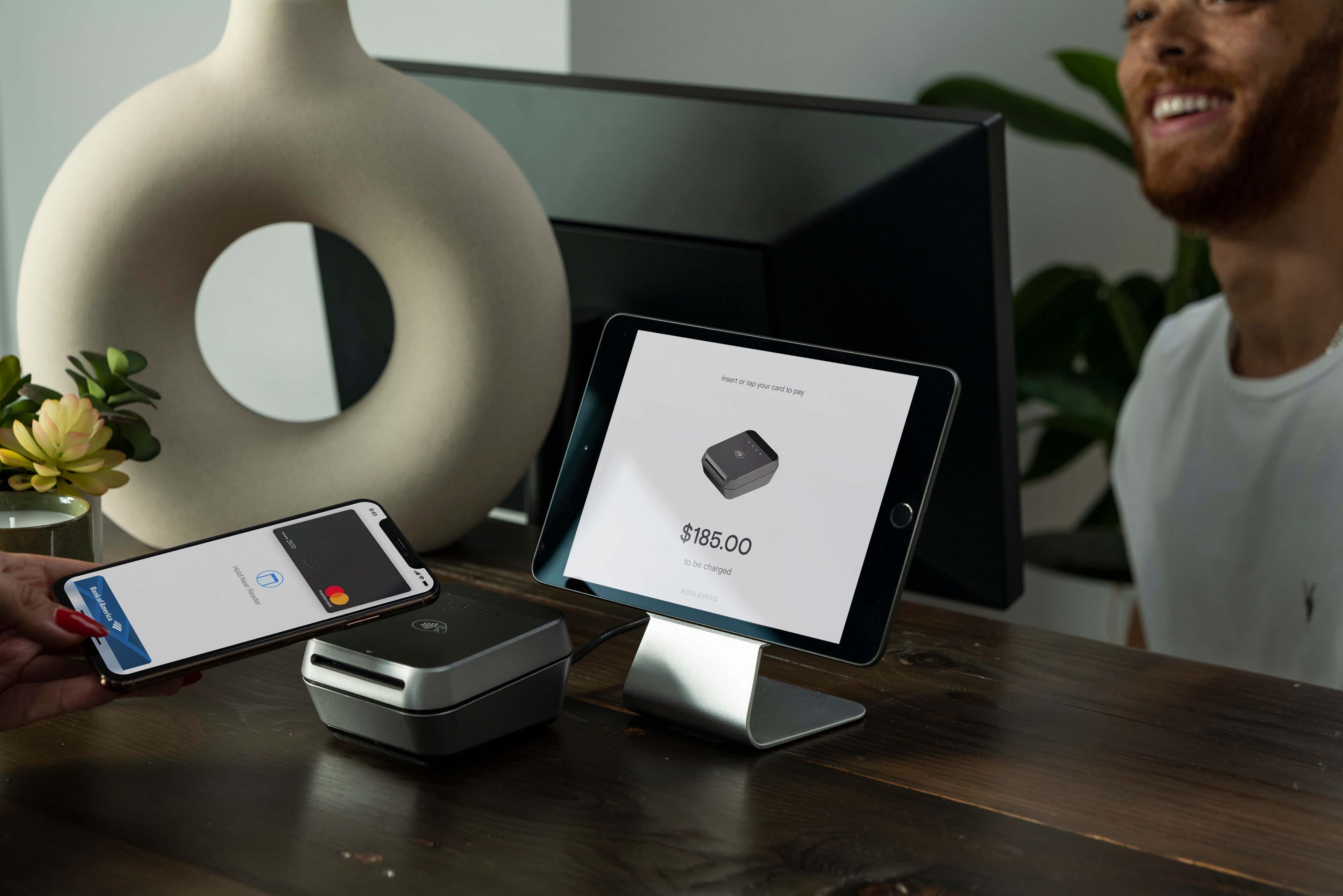
Introducing Boulevard Duo: Beautiful Payments Hardware By Design
Salons and spas deserve hardware that looks as gorgeous as the way they help their clients feel. That's why we created Boulevard Duo, sleek new payments hardware for the beauty industry.
Read Article.jpg&w=3840&q=75)
Boulevard Is Now a Certified PayFac. Here’s How We Help You Get Paid.
Boulevard Payments™ is the first Payment Facilitator built for the beauty and wellness industry. Here’s what it means for you.
Read Article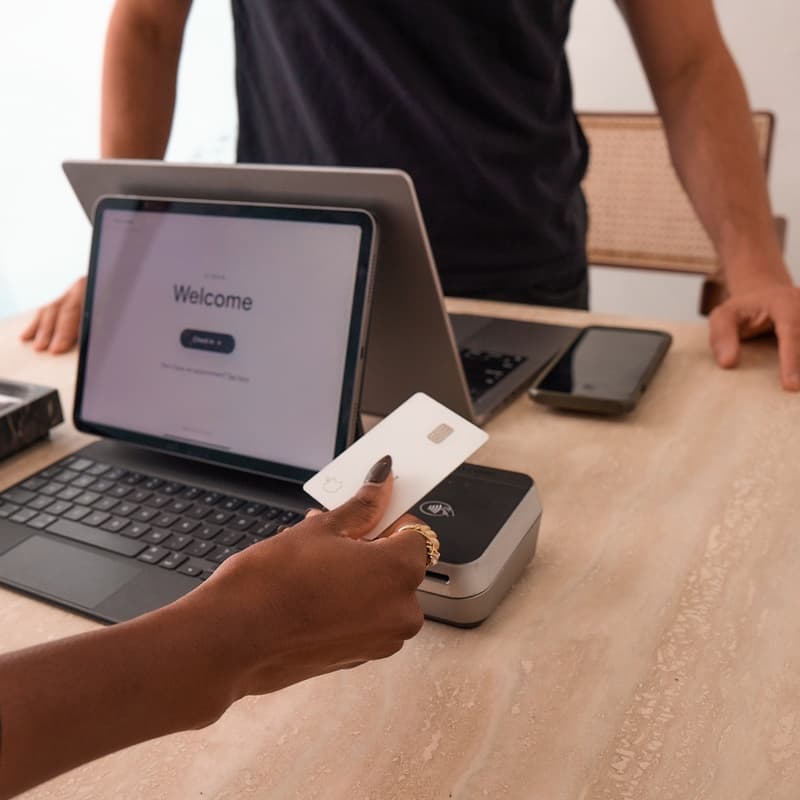
Salon and Spa Payment Processing Software: What To Look for in 2026
Get paid faster, manage cash flow, and simplify payouts all in one place with the best salon and spa payment processing systems, like Boulevard.
Read Article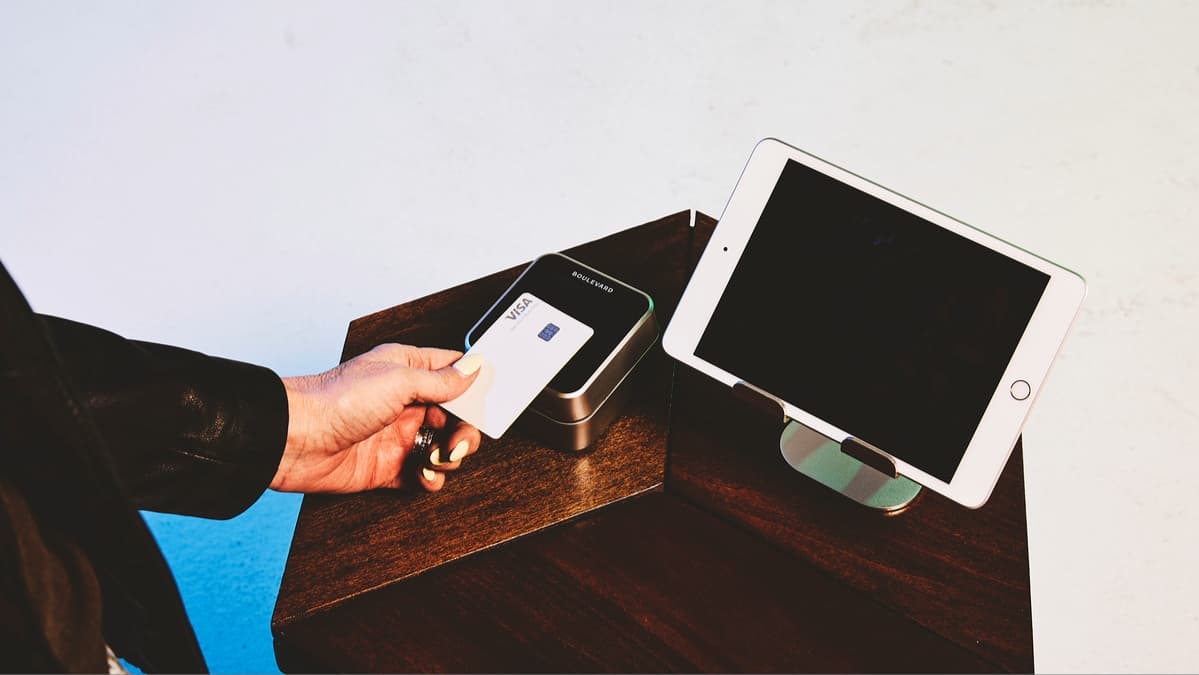
What Is a Chargeback and How Does it Impact My Self-Care Business?
Learn “what is a chargeback,” as well as how businesses in the self-care sphere can protect themselves from costly fees and potential credit card fraud.
Read Article
FICA Tax Credits for Salons, Barbershops, and Spas
The FICA Tip Credit has benefited the restaurant industry for almost 30 years. Read why the beauty industry deserves the same benefit.
Read Article
How Can My Business Offer Payment Plans and Fill More Chairs?
Boulevard breaks down how salons and medspas can offer payment plans, the ROI case, the three setup models, and what to look for in a BNPL partner.
Read Article
Mobile Booking Software for Salons: What To Look For
Learn about the best mobile booking software for salons that include scheduling, payments, and client management in one unified platform.
Read Article
Best POS System for Barbershops: 5 Top Picks for 2026
Boulevard breaks down the best POS systems for barbershops, covering checkout, tip, hardware, and payment practices for walk-in and multi-chair shops.
Read ArticleSign up for weekly blog updates.