Salon • Best Practice
How Credit Card Processing for Salons Works and How to Streamline It

How Salon Credit Card Processing Works
Your salon’s POS payment processing system needs to move funds efficiently from a client’s card to the business’ bank account. The payment chain begins when a client pays with a physical card, digital wallet, or card on file.
That transaction is sent to a payment processor, which routes the payment through the card’s network to the client’s issuing bank. The bank either approves or declines the charge, and approved funds settle into the salon’s merchant or business bank account.
POS systems built into or connected to salon software may also account for the workflows around each transaction. The best credit card processors for salons offer built-in prompts for steps like tips and rebooking.
Once a payment is approved, the transaction should also connect to the client’s record and your booking software. This lets you automate payment reconciliation and performance reporting, without forcing staff to move information between disconnected systems.
Software built for the salon experience
Busy salons need more than an appointment book — they need a system that keeps stylists booked, clients coming back, and retail moving. Boulevard’s salon software combines online booking, POS, and marketing tools built for the pace of salon life.
Common Salon Payment Processing Costs
Salon payment processing rates aren’t typically single charges. They usually combine a small percentage of each sale with a flat per-transaction credit card fee. The exact amount you’re charged depends on the processor you use and how the client pays.
For instance, let’s imagine a payment processor charges 2.5% of each transaction plus $0.15 for card-present payments, and 3.5% plus $0.17 for card-on-file or keyed payments. On a $100 sale, that works out to a fee of $2.65 at the terminal and $3.67 for a stored or manually entered card.
You’ll also need to account for additional salon credit card processing fees. These might include:
Gateway fees: Charges for securely transmitting payment information from the salon’s checkout system to the payment processor.
PCI compliance fees: Recurring admin costs to cover PCI DSS compliance with payment card security features.
Chargeback fees: Extra costs that might apply when clients dispute transactions with their card issuers.
Some payment processors also charge monthly account and/or early termination fees.
Why Salons Can Overpay for Credit Card Processing
Headline processing rates can be useful when you’re first comparing merchant services for salons. But the advertised rate rarely reveals the full cost. Higher charges for keyed or card-on-file payments and gateway fees can push the effective rate well above the stated number. So take a careful look at the full contract to understand the breadth of credit card fees, rather than comparing headline rates alone.
Disconnected tools can also create operational drains that are easy to miss if you only consider processing rates. When booking and payment systems don’t share information, for example, accounting teams spend unnecessary time manually reconciling tips or feeding information into separate accounts.
How to Improve Your Salon’s Checkout Process
Clients want to pay and move on, without lingering at the front desk or troubleshooting card errors. Staff need a process that doesn’t slow work down or force them to fix payment details manually.
Bottlenecks are common at three key spots in the checkout flow:
Pulling up the appointment: Slowdowns happen when staff have to piece together appointment or payment information before they can begin checkout.
Taking a payment: Payment can stall if staff needs to switch systems or manually reconcile memberships or package credits.
Rebooking the client: This step may cause delays if your POS and appointment calendar live in separate tools.
Fully connected salon software can keep all these tasks flowing smoothly. With Boulevard’s checkout and payments features, each part of a client’s visit stays connected through (and beyond) the one-screen checkout. Stored cards plus built-in tip and rebooking prompts move transactions along and offer clients a low-friction experience.
Simplify Salon Payment Processing With Boulevard
Optimizing your salon’s payment processing isn’t just about finding the lowest possible rate. Any payment setup may cost more and negatively impact clients when staff lose time reconciling transactions and switching between systems.
Boulevard connects payments directly with the rest of your salon’s workflows. Transactions, sales reporting, and dispute management all live within the same platform, which also connects to broader client and salon management tools. Less time managing payments gives everyone the space to focus on what matters: quality client experiences.
Learn more about Boulevard's Salon Management platform
FAQ
What Are the Best Credit Card Processing Options for Salons?
When choosing a payment processor for your salon, focus less on the brands and headline rates and more on what your business needs to process payments effectively. Look for transparent pricing, reliable hardware, strong integrations, and extras like contactless payment or chairside checkout.
What Should I Look for in Payment Processing for a Multi-Location Salon Business?
Salon businesses with multiple locations need payment processing solutions with enterprise-level features. Owners should be able to see transaction activity across all salons without switching tools. Look for cross-location reporting features and centralized POS systems, so your checkout experience stays consistent across the entire brand.
How Can a Salon Choose the Right Credit Card Processing Provider?
To choose the right credit card payment processor, match the provider’s features to your business model and operational goals. For instance, if your menu includes several high-cost services, you might opt for a system that automatically enforces no-shows and cancellation policies. Or if you plan to grow via memberships and referral programs, pay attention to how easily a POS system reconciles benefits.
What Hardware Do Salons Need to Accept Credit Card Payments?
To accept credit card payments at your salon, you’ll need a terminal or card reader that supports chips and contactless payments. Depending on your setup, you may also want a front desk computer or tablet, receipt printer, and cash drawer.
What Features Should Salons Look for in Payment Processors?
When evaluating payment processors, first look for secure, reliable payment handling and clear support. Then, pay attention to any differentiators that can support your salon’s growth goals. For example, a system that connects payment data with reporting and marketing tools lets you use transaction history to segment audiences and surface relevant upsells or follow-up offers.

Shanalie Wijesinghe
Content Strategy Director
Shanalie Wijesinghe is the Content Strategy Director at Boulevard. She lends her industry and platform expertise to both in-house staff and partner salons and spas. A salon industry veteran with more than 15 years of experience working for high-end luxury salons such as Sally Hershberger and BENJAMIN, Shanalie was previously Director of Education for Boulevard and blends her knowledge of the beauty and technology industries to help put the company’s partners and employees on the path to success. A Bay Area native and first-generation immigrant, Shanalie is a graduate of the Paul Mitchell School specializing in cosmetology, styling, and nail instruction.
Related Posts

Introduce Credit Card Processing to Your Barbershop With Boulevard Offset
Increase client satisfaction and boost your barbershop’s revenue by accepting credit card payments while sharing processing fees.
Read Article
Best POS System for Barbershops: 5 Top Picks for 2026
Boulevard breaks down the best POS systems for barbershops, covering checkout, tip, hardware, and payment practices for walk-in and multi-chair shops.
Read Article
Payment Processing Outage Guide for Salons
Facing a payment processing outage? Learn how salons can troubleshoot issues, accept backup payments, and keep operations running smoothly.
Read Article
Credit Card Fees: Why Your Self-Care Biz Should Stop Leaving Money on the Table
Credit card fees have more than doubled in the last decade, and too many self-care businesses are paying for it. Here’s how to make a change for your own.
Read Article
Salon and Spa Payment Processing Software: What To Look for in 2026
Get paid faster, manage cash flow, and simplify payouts all in one place with the best salon and spa payment processing systems, like Boulevard.
Read Article.jpg&w=3840&q=75)
Boulevard Is Now a Certified PayFac. Here’s How We Help You Get Paid.
Boulevard Payments™ is the first Payment Facilitator built for the beauty and wellness industry. Here’s what it means for you.
Read Article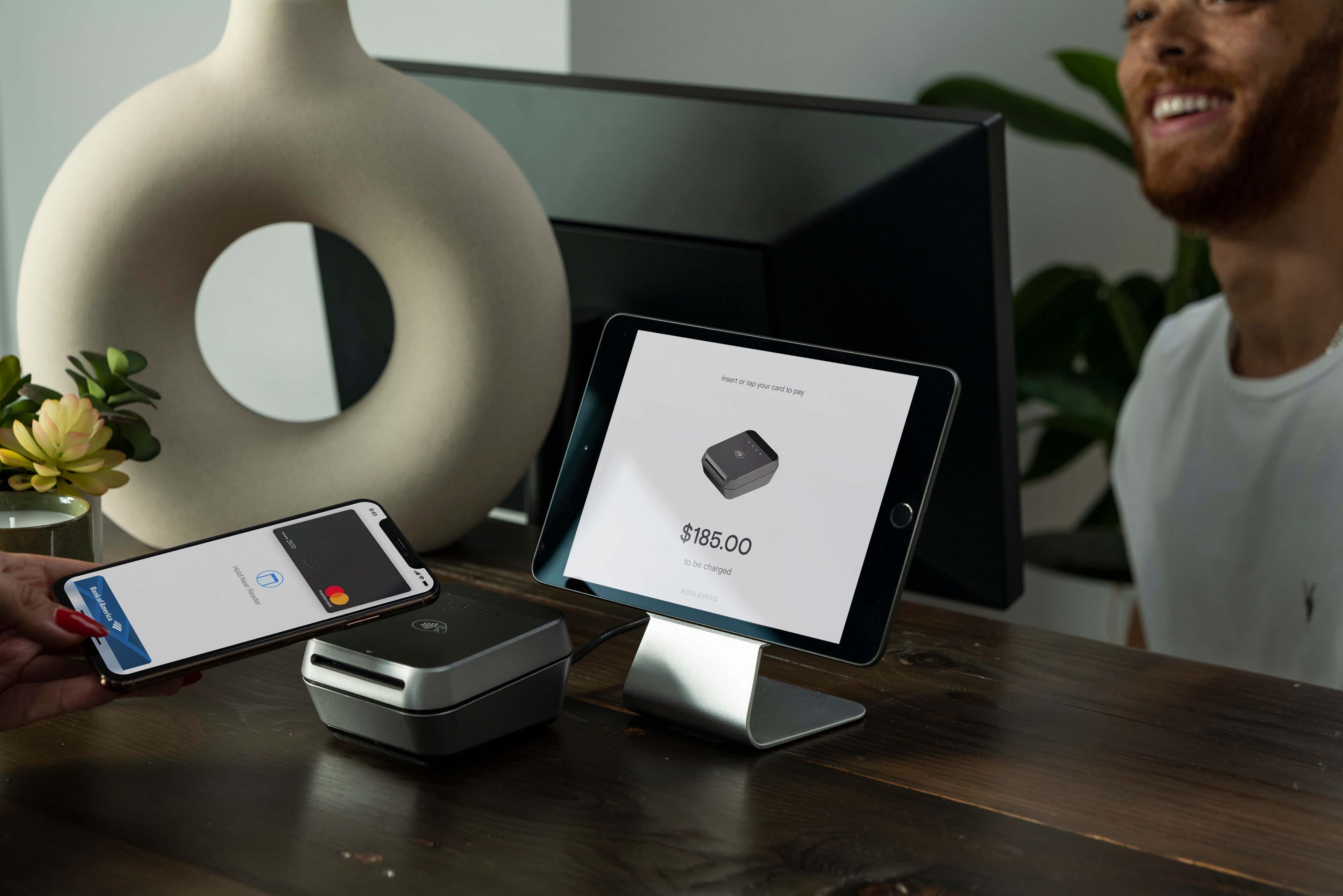
Introducing Boulevard Duo: Beautiful Payments Hardware By Design
Salons and spas deserve hardware that looks as gorgeous as the way they help their clients feel. That's why we created Boulevard Duo, sleek new payments hardware for the beauty industry.
Read Article
How Can My Business Offer Payment Plans and Fill More Chairs?
Boulevard breaks down how salons and medspas can offer payment plans, the ROI case, the three setup models, and what to look for in a BNPL partner.
Read Article
7 Tips on How to Win a Credit Card Dispute as a Merchant
Learn how the chargeback process works, get tips on how to win a credit card dispute as a merchant, and protect your self-care business’ bottom line.
Read ArticleSign up for weekly blog updates.